I am a big fan of keyboard shortcuts. Here are some of my favorites keyboard shortcuts in Excel.
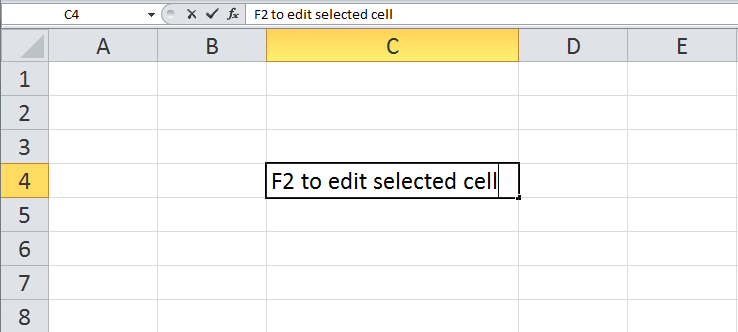
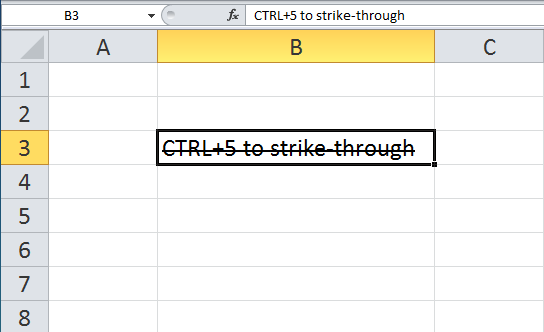
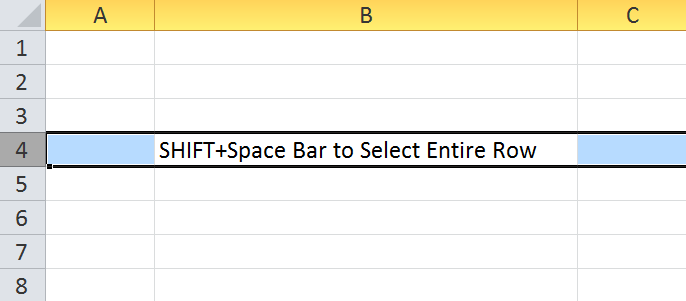
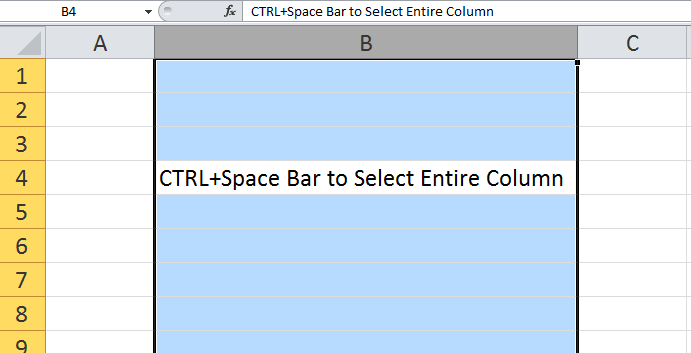
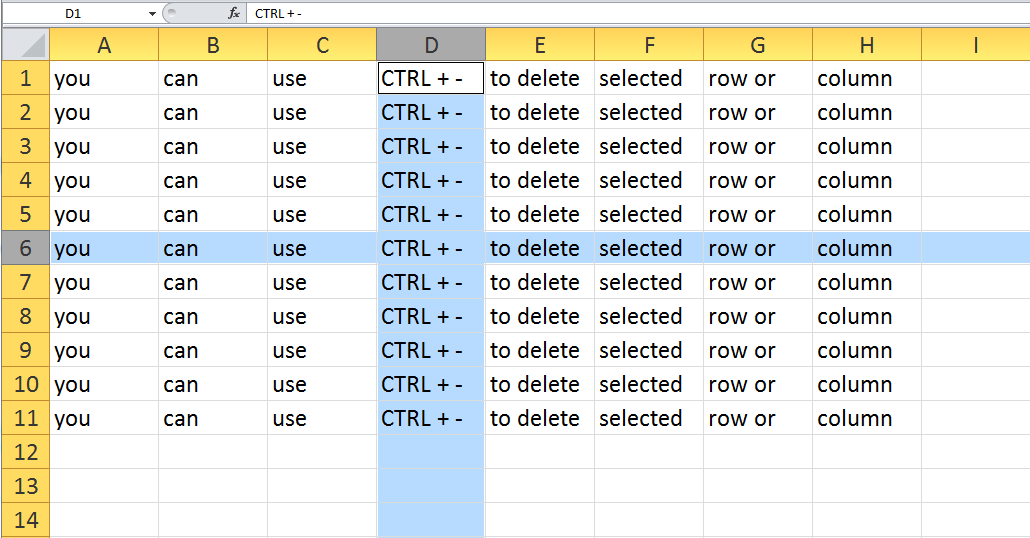
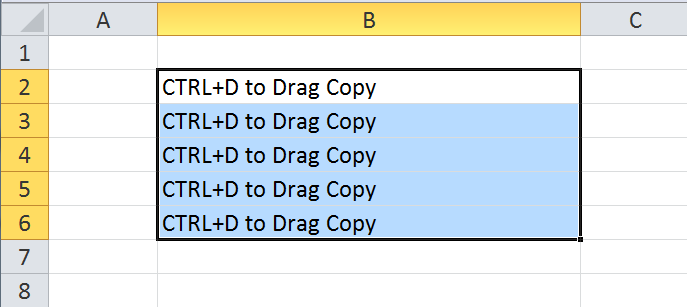
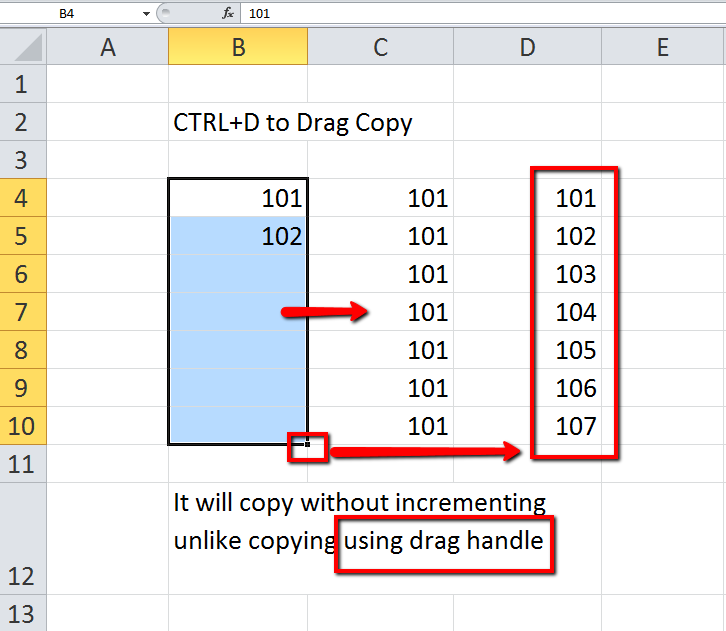
I am a big fan of keyboard shortcuts. Here are some of my favorites keyboard shortcuts in Excel.
Here is a brute force solution to the fetch puzzle.
The puzzle goes like this – You have two buckets. A 3 gallon bucket and a 5 gallon bucket. Buckets are not marked or graduated. You are to fetch 4 gallons of water in a single trip to the river. How will you do it?
Basically, at each step there are three possibilities :
In this brute force solution, I try each one of these steps and then try all three again after each one of the previous steps. And on and on until I get the required amount of water in one of the buckets.
Check it out. Source code is on my github repo – https://github.com/ashtewari/fetch

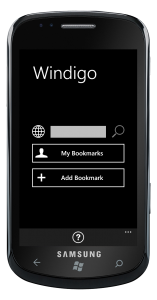 Windigo is a windows phone app to access your diigo account on windows phone 7.
Create, edit and search diigo bookmarks. Slick, to-the-point interface. Browse and search public bookmarks of other diigo users. Tap on the bookmark for details, including tags. Tap on any tag to narrow your search. Trial version is available.
Windigo 1.1 is out on the windows phone marketplace now. Highlights of this update :
Windigo is a windows phone app. It lets you access your Diigo bookmarks on the go from your windows phone. You can browse, edit and create new bookmarks. Search your and other’s (public) bookmarks. Drill-down using tags. Share your bookmarks with your friends.
I have completed developing this app and I would like to get it in the hands of a few more people to get some additional feedback before I submit it in windows phone marketplace. If you have a windows phone and a windows live id, you can help with this. Your phone does not need to be a developer (unlocked) phone.
If you are interested, contact me.
Here is what I will do for you :
Silverlight ChildWindow is centered over the parent control. I have extended ChildWindow to open it at a specific position.
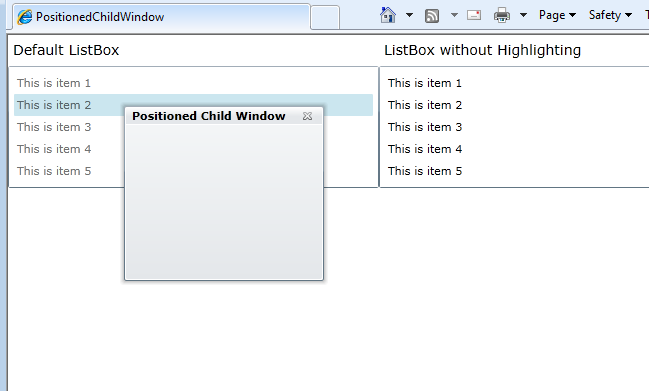
Here is a live demo : childwindow-positioning-demo
And here is the code :
public partial class ChildWindowEx : ChildWindow
{

    Point _pt = new Point(0,0);

    public ChildWindowEx()
    {
        InitializeComponent();
    }

    public ChildWindowEx(Point pt) : this()
    {
        _pt = pt;
    }

    protected override Size ArrangeOverride(Size finalSize)
    {
        Grid grid = Utils.FindChild(this, "ContentRoot");

        if (grid != null)
        {
            grid.Arrange(new Rect(_pt.X, _pt.Y, grid.DesiredSize.Width, grid.DesiredSize.Height));
            return finalSize;
        }

        return base.ArrangeOverride(finalSize);
    }
}
Visual Studio 2010 Solution : download